Table of Contents
Learn how to optimize Google Business Profile step-by-step to rank higher, get more clicks, and attract local customers in 2026.
When someone searches for a nearby restaurant, salon, or repair shop, the first thing they see is often a map with three highlighted businesses. Those listings come straight from Google Business Profile, and appearing there can mean the difference between a busy week and a quiet one. The good news is that you do not need a big budget to compete. You only need to know how to optimize Google Business Profile the right way and keep it updated. In this guide, you will learn each step to optimize Google Business Profile listings so they rank higher, attract more clicks, and turn searchers into customers.
Why You Should Optimize Google Business Profile
Google Business Profile is a free tool that manages your business’s presence on Google Search and Maps. A complete profile conveniently displays your address, hours, phone number, photos, reviews, and services all in one location.Customers can call you, request directions, or visit your website with a single tap.
People who search for services nearby usually want to visit or buy within a day. When you optimize Google Business Profile properly, you place your business in front of these high-intent customers exactly when they are ready to decide. A neglected profile looks untrustworthy and loses customers to competitors with fresher information.
Ready to get started? The ten steps below walk you through the process, and you can complete most of them in an afternoon.
Claim and Verify Your Google Business Profile
Search Google for your business name to see if a profile already exists, then either claim the existing listing or create a new one.Google will ask you to verify ownership, usually by phone, email, text, or video. Verification unlocks most features, so complete it first. You cannot fully optimize Google Business Profile settings until your listing is verified.
Choose the Right Google Business Profile Category
Choosing correctly is a core part of any plan to optimize Google Business Profile visibility. Working with a skilled freelance digital marketer in Thrissur ensures you identify the right primary and secondary categories to maximize your local reach.
Complete Every Section of Your Google Business Profile
Incomplete profiles lose customers and rankings, so fill out everything Google allows.
Business name: Use your real name exactly as it appears on your signage, without keyword stuffing.
Address and service area: Match your address to your website, or set service areas if you travel to customers.
Phone and website: Use a local phone number and link to your most relevant page.
Business hours: Keep regular hours accurate and update special hours for holidays.
Attributes: Add details such as wheelchair access, free Wi-Fi, or women-led ownership where they apply.
Consistency matters. Your name, address, and phone number should be identical across your website, social profiles, and directories. This helps Google trust your data and is a basic requirement to optimize Google Business Profile for local search.
Write a Strong Business Description
You get 750 characters to describe your business, and only the first 250 show before the reader clicks to expand. Lead with what you do, where you do it, and what makes you different. Include your main keywords naturally, but write for people first. Avoid links, promotional offers, and all-caps text, since these can violate Google’s guidelines. A clear description helps customers understand your value and helps you optimize Google Business Profile content for relevant searches.
Add High-Quality Photos and Videos
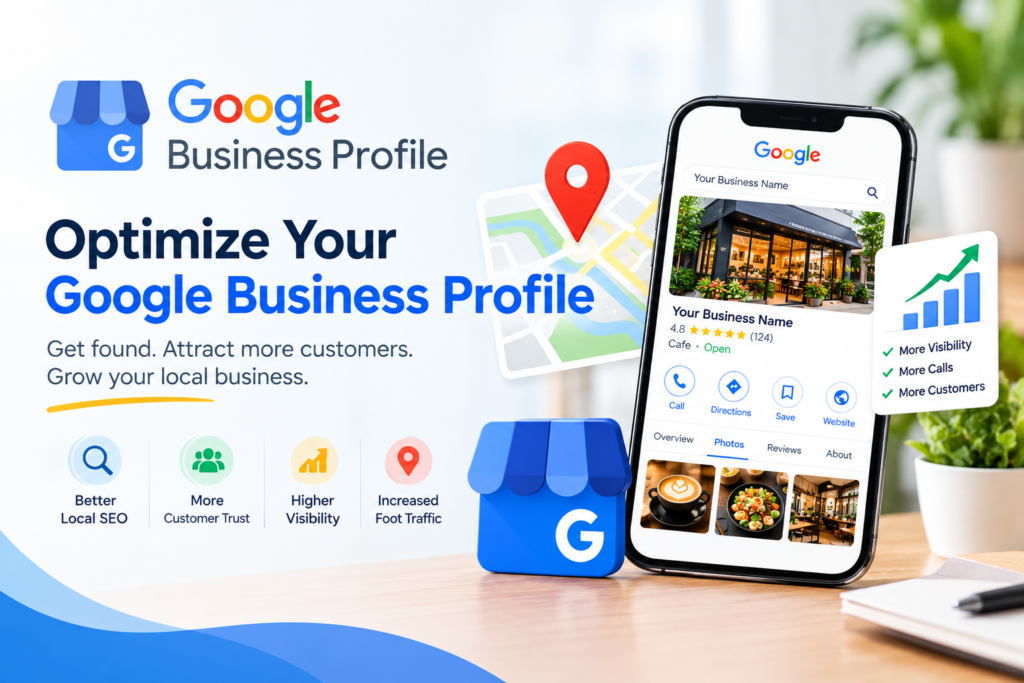
Profiles with photos tend to attract more direction requests and website clicks than those without. Upload a logo, a cover photo, and images of your exterior, interior, team, products, and services. Use bright, real photos instead of stock images, and add new ones every week or two. Fresh visuals signal an active business, and short videos can show your space or process. If you want to optimize Google Business Profile engagement quickly, visuals are one of the fastest wins.
List Your Products and Services
The services and products sections let you describe what you sell in detail. Add each service with a short description and, where possible, a price range. Restaurants can upload menus, and retailers can add product catalogs with photos. These details give Google more context, which helps you appear for specific searches like emergency plumber or gluten-free bakery. Detailed listings matter most when you optimize Google Business Profile for long-tail queries.
Collect and Respond to Reviews
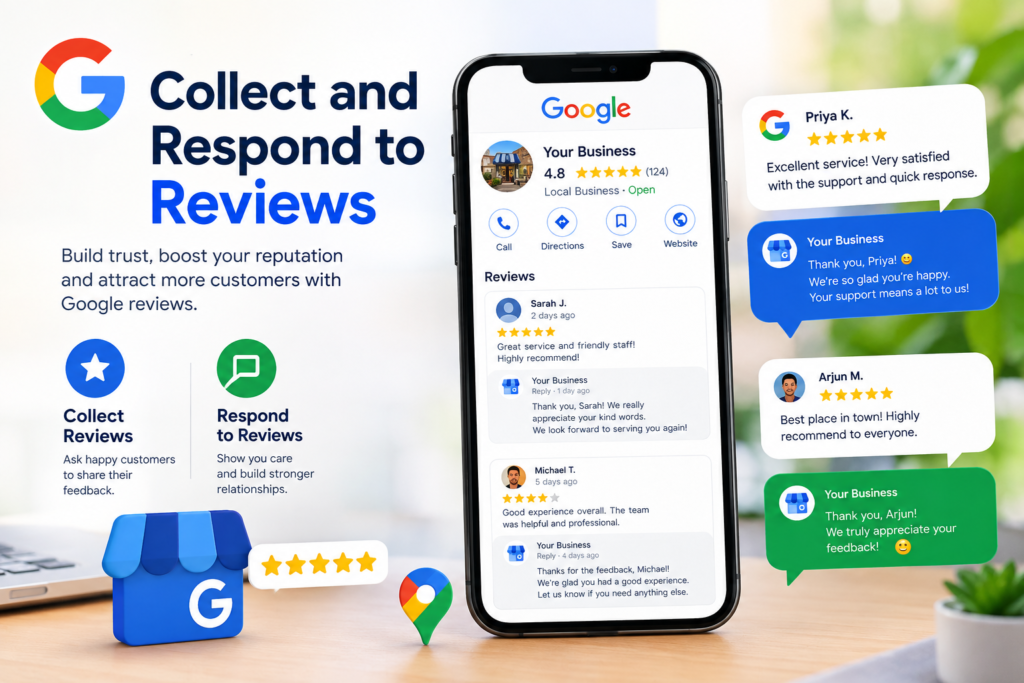
Reviews influence both rankings and customer trust. Ask happy customers for feedback right after a positive experience. Share your direct review link by text, email, or a QR code at your counter. Never offer incentives in exchange for reviews or post fake ones, because Google may remove them and penalize your profile.
Reply to every review, positive or negative. Thank people by name, mention specific details, and address complaints politely and quickly. Consistent review management is an important habit for anyone who wants to optimize Google Business Profile results over time.
Post Regular Updates
Google Posts let you share offers, events, news, and product highlights directly on your profile. Posting once or twice a week keeps your listing fresh and gives customers a reason to click. Include a clear photo, a short message, and a call-to-action button such as Call now or Book. Treat posts like mini ads for your business. Seasonal offers and event announcements work especially well. Regular updates are another way to boost visibility without paying for advertising.
Turn On Messaging, Q&A, and Booking
Enable messaging where available so customers can contact you directly, and reply quickly. Monitor the questions section and answer common queries yourself before anyone else does. If you take appointments, add a booking link. These features reduce friction and turn viewers into paying customers.
Track Performance and Keep Improving
Use the Performance section to see how customers find you, how many calls and direction requests you receive, and which searches bring views. Review the numbers monthly and look for patterns. If calls drop, check your hours and photos. If views are low, revisit your categories and description. Optimization is not a one-time task, so schedule regular check-ups to optimize Google Business Profile settings as your business changes.
Common Mistakes to Avoid
Watch out for these frequent errors:
Stuffing keywords into your business name
Leaving outdated hours or a wrong phone number
Ignoring negative reviews
Using low-quality or stock photos
Creating duplicate listings for one location
Avoiding these mistakes protects your ranking and your reputation.
Conclusion
A well-managed listing is one of the most affordable marketing tools available to local businesses. Claim and verify your profile, choose accurate categories, complete every field, add real photos, gather reviews, and post regularly. Then track your results and keep refining your approach. Now that you know how to optimize Google Business Profile step by step, pick one task from this guide and start today. Small, consistent improvements will help more nearby customers find you and choose you.